Complex structures may need cleanup
Thin parts, deep recesses, hidden surfaces, and tightly connected mechanisms can require manual inspection after generation.
Workaround
Use a simpler prompt first, then refine the mesh in a dedicated 3D editor.
AI MODEL WORKFLOW
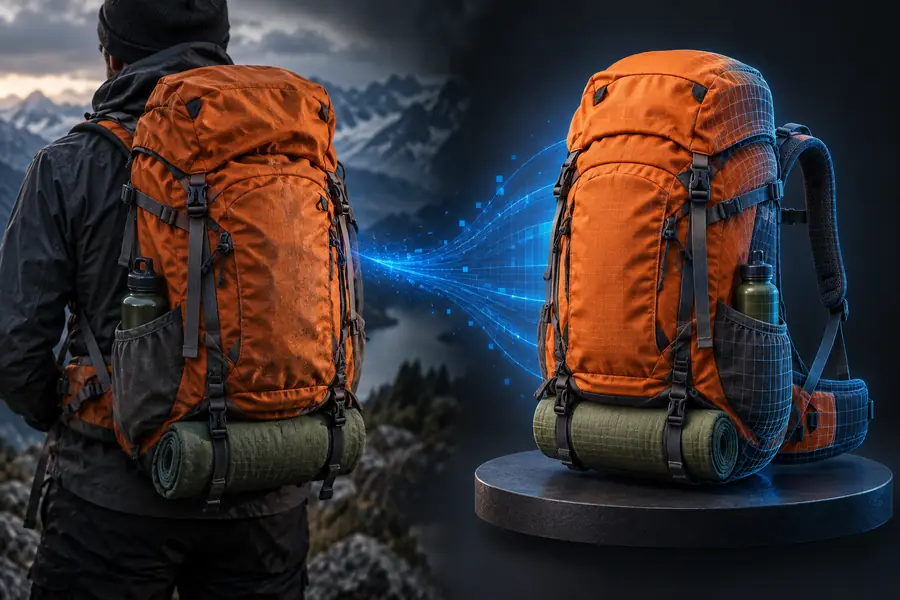
hitem3d turns a written idea or visual reference into a starting point for a 3D asset. Use the ai-powered workflow to explore forms quickly, then inspect and refine the result for your intended use.
RELATED ROUTE
The main workflow is useful for first-pass creation, while the latest version may suit visitors comparing model-generation capabilities.
HONEST BOUNDARIES
An ai-powered model generator is best treated as a rapid starting point, not a substitute for every modeling, cleanup, or production decision.
Thin parts, deep recesses, hidden surfaces, and tightly connected mechanisms can require manual inspection after generation.
Workaround
Use a simpler prompt first, then refine the mesh in a dedicated 3D editor.
The generator can capture the broad shape while missing a small proportion, material cue, pose, or accessory described in the prompt.
Workaround
Describe the subject in short priority-based phrases and regenerate when one detail matters most.
A visually convincing result may still need topology checks before animation, engineering, or a demanding manufacturing workflow.
Workaround
Retopologize, scale, and validate the model for its final destination.
A single generation may not provide the exact style or variation needed for a finished collection or branded asset set.
Workaround
Generate several directions, select the strongest form, and standardize the final design manually.
HOW IT WORKS
The ai-powered flow compresses the early concept stage into a repeatable sequence: describe, inspect, and prepare the result for the next tool.
Write the object, character, style, proportions, and important features in plain language. Start with the primary form before adding secondary details.
Let hitem3d produce a model direction, then check silhouette, openings, thin elements, symmetry, and the details that matter for your use case.
Export or continue the asset in a 3D workflow suited to your goal, whether that means presentation, iteration, animation, or preparation for fabrication.
AT A GLANCE
These measures describe the basic shape of the workflow rather than promising a fixed quality level for every prompt or reference.
CAPABILITY SPLIT
The comparison clarifies where an ai-powered route saves exploration time and where a traditional workflow still gives deeper control.
Starting point
hitem3d AI workflow
Text idea or visual reference
Manual-first workflow
Blank scene, sketch, or existing mesh
Early exploration
hitem3d AI workflow
Rapid form and style directions
Manual-first workflow
Built through deliberate modeling steps
Exact dimensions
hitem3d AI workflow
May require checking and correction
Manual-first workflow
Can be controlled from the beginning
Topology control
hitem3d AI workflow
Inspect and clean as needed
Manual-first workflow
Topology decisions are made during modeling
Iteration style
hitem3d AI workflow
Regenerate broad alternatives
Manual-first workflow
Edit the current model directly
Best fit
hitem3d AI workflow
Concepts, references, and first-pass assets
Manual-first workflow
Precision, production meshes, and specialist rigs
PRACTICAL USES
Different creators can use the same hitem3d workflow at different stages, from visual brainstorming to asset preparation.
You need several creature, prop, or environment directions before committing to a production design.
Generate rough candidates quickly, then select one for manual optimization and game-ready preparation.
hitem 3d v2 0You want to test the silhouette of a small object before spending time on detailed CAD or surface work.
Use an ai-powered concept as a visual checkpoint for proportions and design discussion.
hitem 3d v2 0You have a figurine idea but need a shape to evaluate before making it printable.
Start with a generated form, then repair, thicken, scale, and validate it for fabrication.
hitem 3d v2 0You want students to compare a verbal description with the three-dimensional form it produces.
Use hitem3d to discuss prompt clarity, visual interpretation, and the difference between a concept and a finished asset.
hitem 3d v2 0START WITH A CONCEPT
Try hitem3d with a specific subject and a few high-value details. The ai-powered workflow gives you a concrete model direction to inspect, compare, and refine instead of leaving the idea on the page.
Generate a 3D modelCOMMON QUESTIONS
It is an ai-powered workflow for turning a written idea or visual reference into a three-dimensional model direction. The result is best understood as a starting asset that may need inspection and refinement.
Begin with a concise description of the subject, its main form, and the details that matter most. Generate a result, inspect the silhouette and geometry, then prepare or refine it for the tool and purpose you have in mind.
It can help explore many kinds of objects, characters, and props, but a prompt does not guarantee perfect proportions or production-ready geometry. Complex mechanisms, thin parts, and exact dimensions should be checked manually.
Not automatically. A generated model may need cleanup, scaling, topology work, or validation before animation, software integration, or 3D printing.